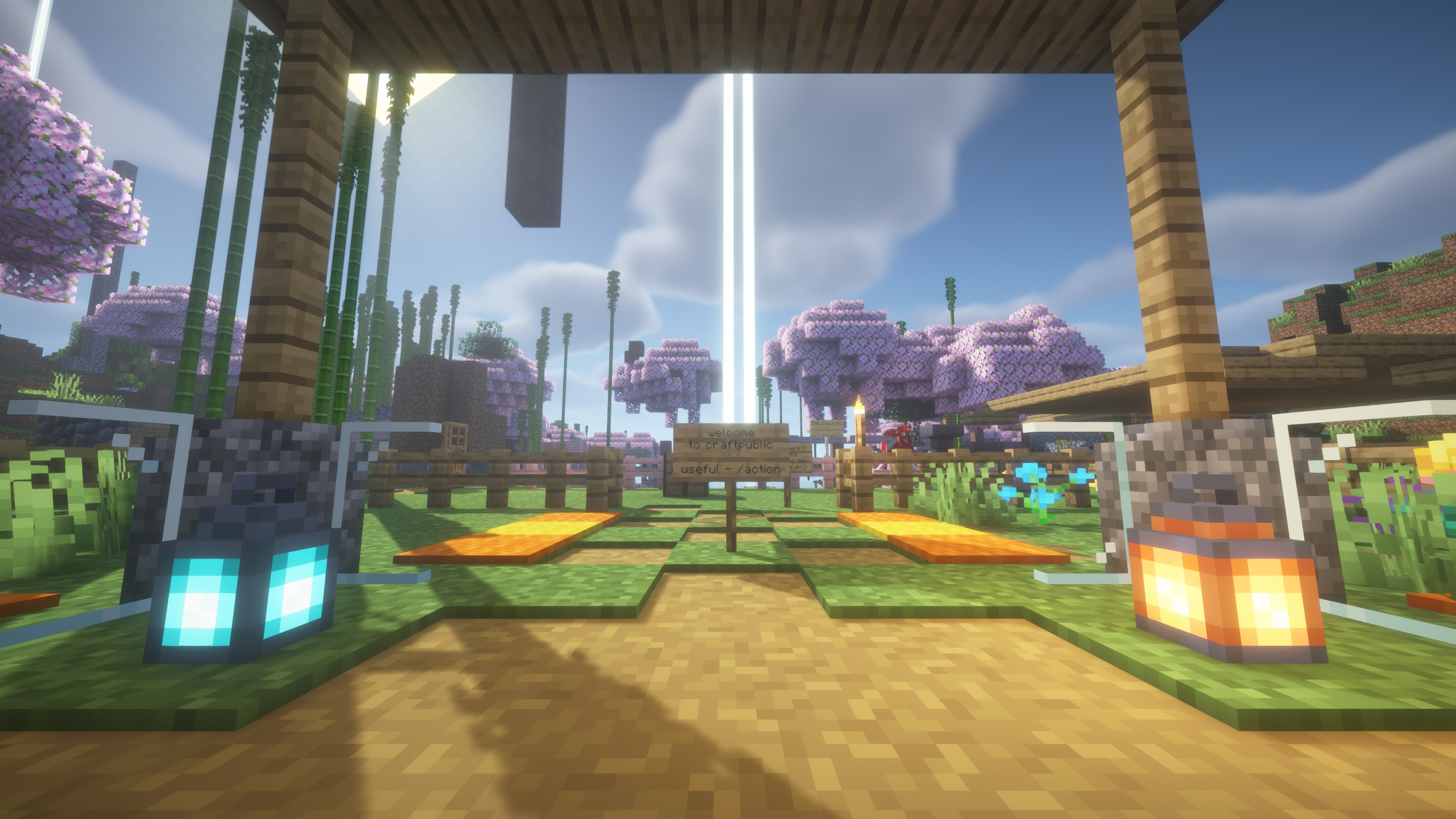
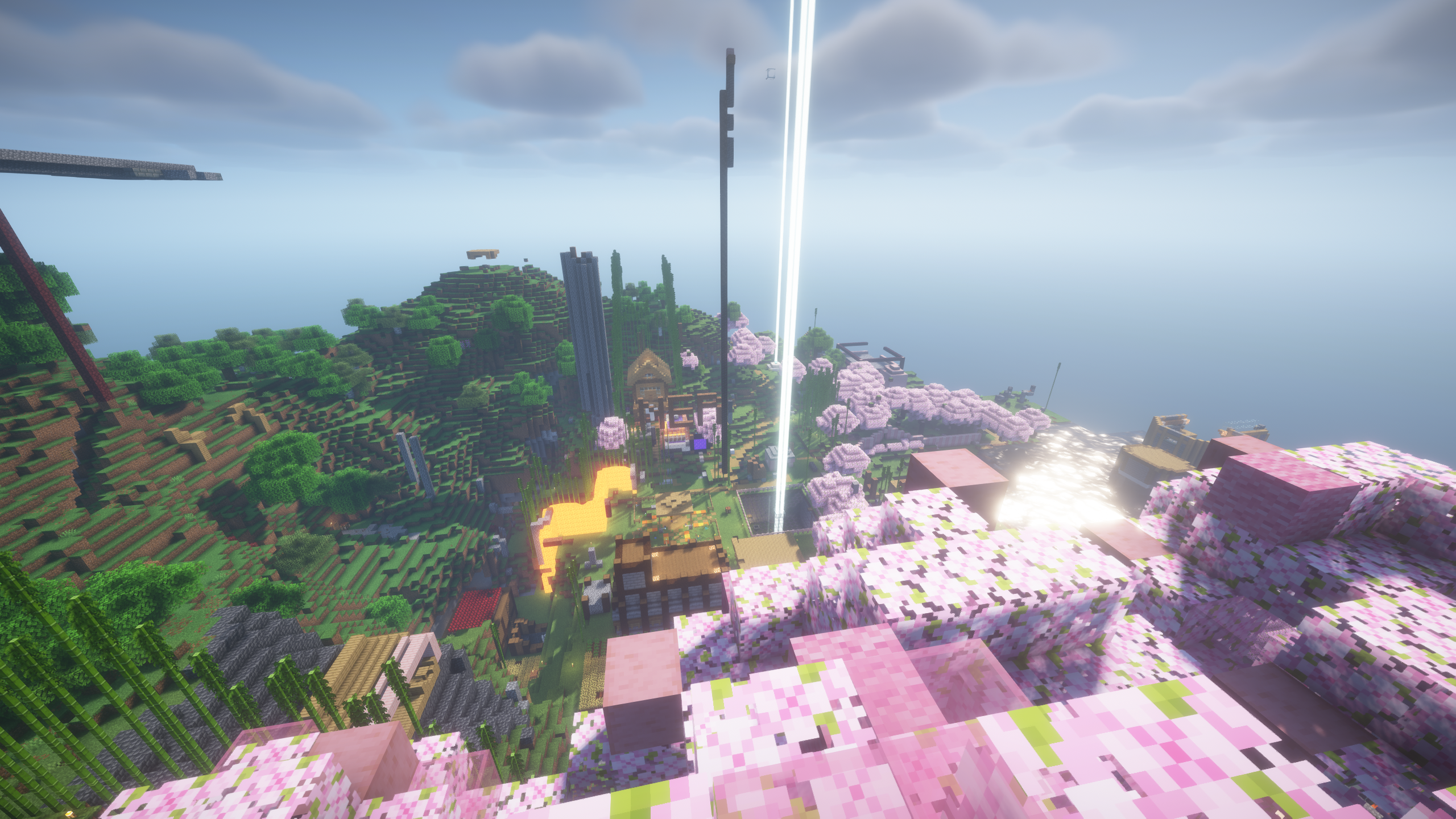
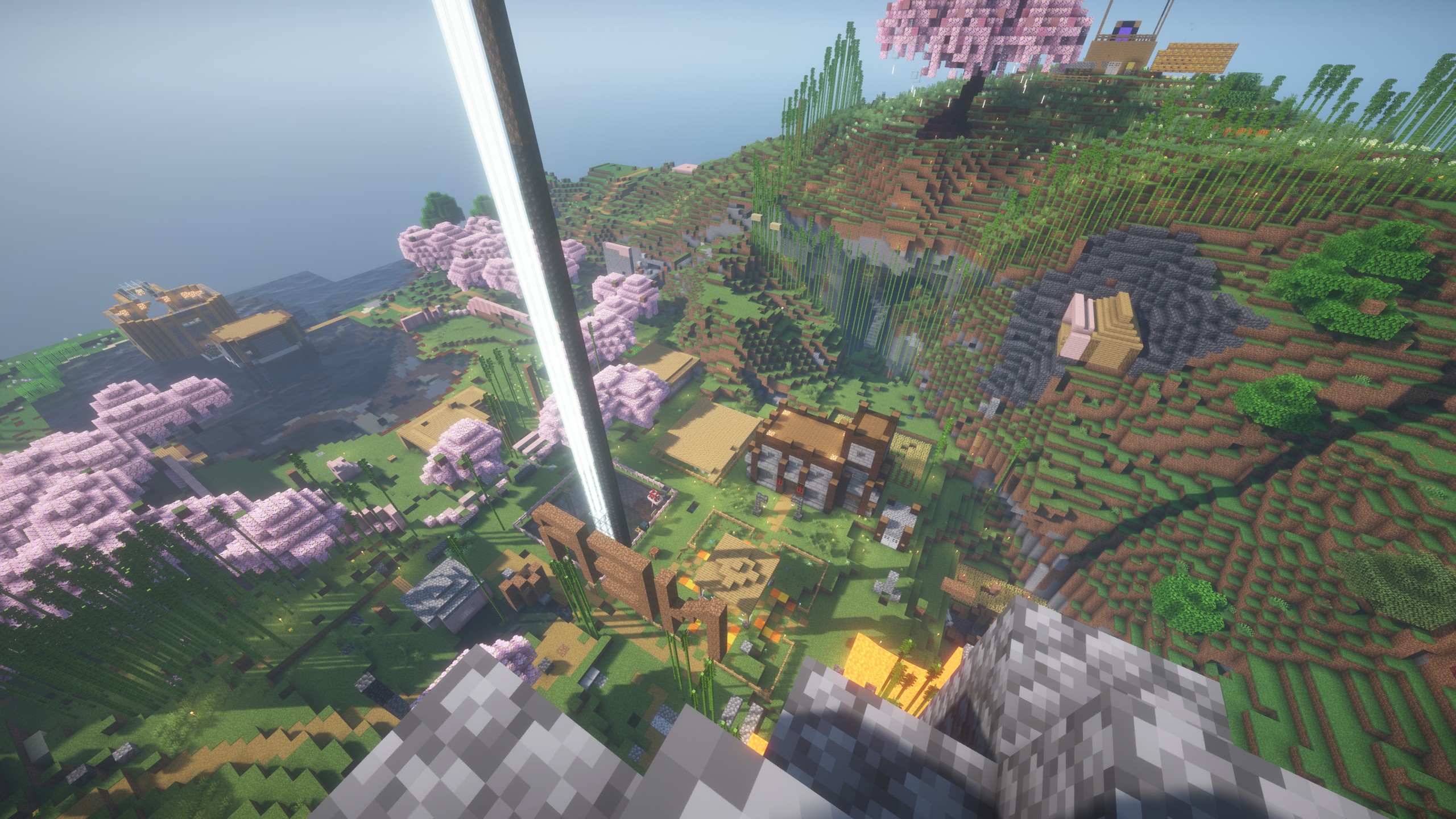
Maybe you ask, what is it? It's a public Minecraft survival server.
Meant to be a "chill" server.
How to play it?
• You can on Java with qilk.de default port
• You can on Bedrock with qilk.de default port
• You can on Eaglercraft with wss://eagler.qilk.de default port
Claims
Usage
Claiming
Claiming an area is simple, first, obtain a gold shovel, then simply right click the lower boundary of the square you wish to claim (ie. the bottom left corner), then right click the upper boundary of it (ie. the top right corner), if your claim size was bigger than 5x5 and you had enough blocks, it should've said it's created in chat, congratulations!
Resizing
Simply right click the corner you wish to move, and right click again on the new position
Trust
You can view trusted people in claim by standing inside and running /trustlist, here you can have multiple types
• Manage (/managetrust username) allows manage claim actions like modify trustlist (only for trusted permissions that he already has, if he wants grant build trust but he only has container trust, he won't be able to)
• Build (/trust username) allows like all access, this is most common trust level you should use
• Container (/containertrust username) allows containers like chests, hoppers, etc. Build trust should already grant so this is useful if you don't want to grant it.
• Access (/accesstrust username) allows access doors/buttons/etc. Build trust should already grant so this is useful if you don't want to grant it.
• PvE ("fight animals" in trustlist) (/pvetrust username) makes able to hit entities inside claim. Build trust should already grant so this is useful if you don't want to grant it.
Subclaim
If you wish make claim under existing claim, you can, run /subdivideclaim while hold golden shovel, and now make a claim inside yours, stand inside it to manage additional trustlist (NOTE: if you don't want it inherit parent claim trustlist, run /restrictsubclaim while inside it)
3D Claims
This is like normal claim, but is only usable as SUBCLAIM, it will depend which Y levels you put lower and upper bound, creating the 3d claim.
Shape claims
Hm, this is something even I don't know how to use well, so try using /shapedclaim or /shapedsubdivide and experiment, if you can make text guide, send to my email at denis@qilk.net.
Expiration
Default config claim is set to expire after 60 days under ALL following conditions:
• You don't logged in a single time last 60 days
• You have less than 10k "blocks from play"
• You have less than 5k "bonus blocks"
Otherwise, your claim won't expire, you can check the last 2 with /claimslist
Misc
Actions Menu
There is menu on /action (short /a). Allows chest-ui access to commands such as /die to die, /togglemention to toggle if people can mention you in chat (ie. @cxvqo), and inspection tool (/sg tool)
Premium account
Are you premium but you accidentally made signup via password and want premium way of autologin? No worry, simply use /premium command (do NOT use this if you haven't paid for minecraft)
Do you want revert to cracked account? It's simple, run /changepass password replacing password with the one you wish to have.
Common sense (have a brain)
Don't put an insecure password, it headache for you when someone guessed it..
Screenshots